DNA Sequencer iPad App for Illumina

2016 - 2017

Roles: UX Designer, User Researcher, Product Designer

Technologies Used: Gliffy, Balsamiq, InVision, Adobe AfterEffects, Adobe Photoshop, Sketch

Please Note: Confidential information has been redacted, omitted, or altered in compliance with my confidentiality agreement.

This project was a proof of concept that explored the potential for a DNA Sequencer to be controlled by an iPad app. The iPad app was designed to offer real-time status updates for a fleet of DNA sequencers, the ability to initiate and halt sequencing runs, as well as display the machine's operational status.

My responsibilities included conducting user research, crafting workflow diagrams, and creating mockups and interactive prototypes. After the research and discovery phase, I illustrated high-fidelity mockups and motion design prototypes.

My contributions to this proof of concept eventually led to my recognition as a listed inventor for a Design Patent (USD810112S1).

The Process

Workflow Diagrams

Flowchart diagram illustrating a mobile app user interface design process.

Low-Fidelity Wireframes

A blurred screenshot of a computer interface showing four options for animal names: Simba, Pumba, Nala, and Mufasa, with each marked as 'Ready'.
Mobile app interface showing a chat history with messages, timestamps, and options to delete or see more, with a blurred background.
A screen showing a messaging app with a list of chat messages on the left and a checklist on the right, with an 'Add to Deck' button at the bottom.

Motion Design Explorations

Design Evolution

Below you will find a series of images depicting the evolution of this design.

Mobile app screen with instructions to sit tight, showing a DNA double helix icon, and progress bars for 'Instrument System' and 'Cartridge' completion statuses.
Screen displaying a meditation app with a butterfly icon, showing 34% progress, estimated completion time of October 21, 2016, at 1:43 PM, and a butterfly logo at the center.
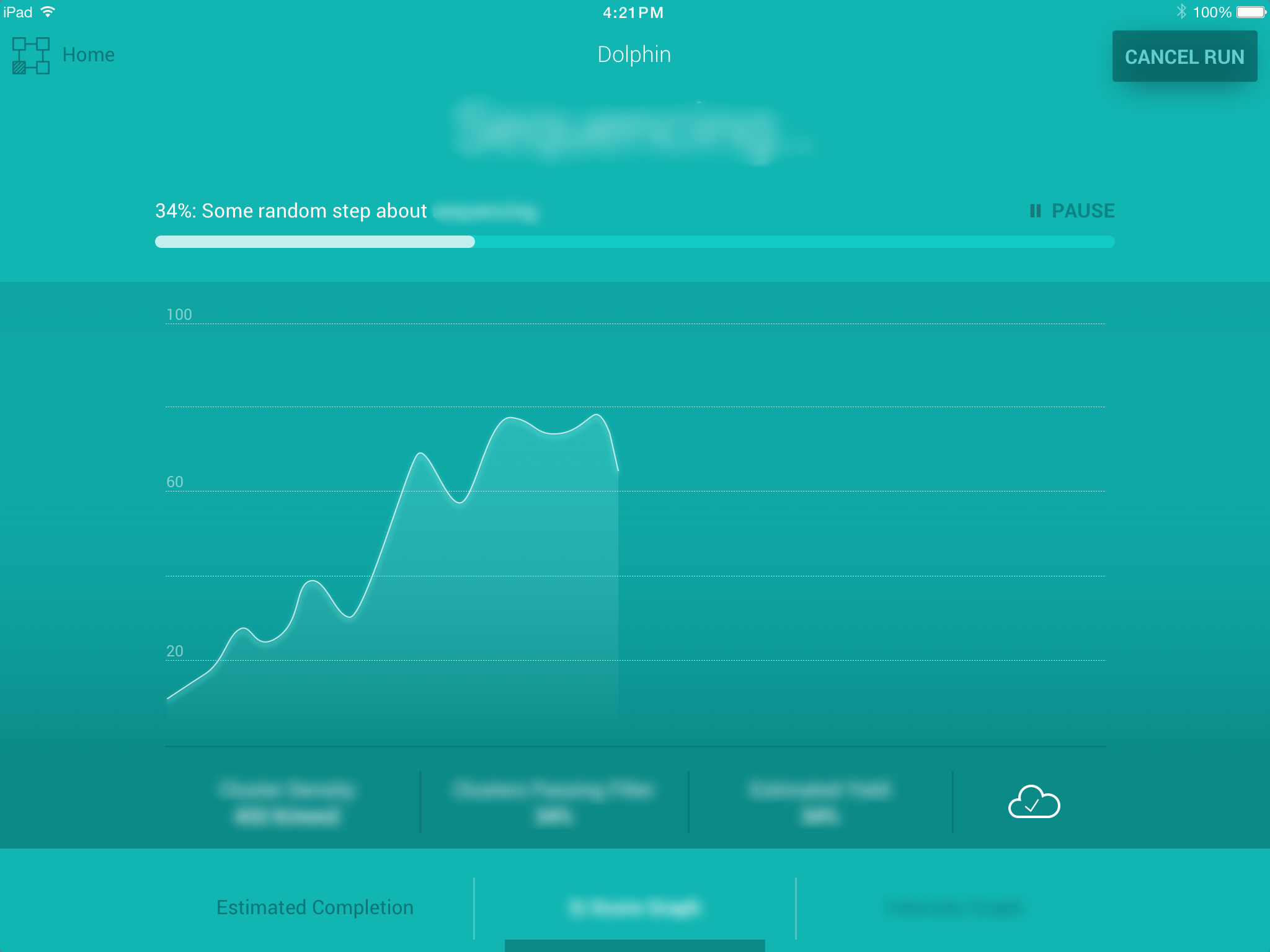
A fitness app screen showing a line graph tracking progress at 34%, with buttons for pause and cancel, and a cloud icon indicating data backup.
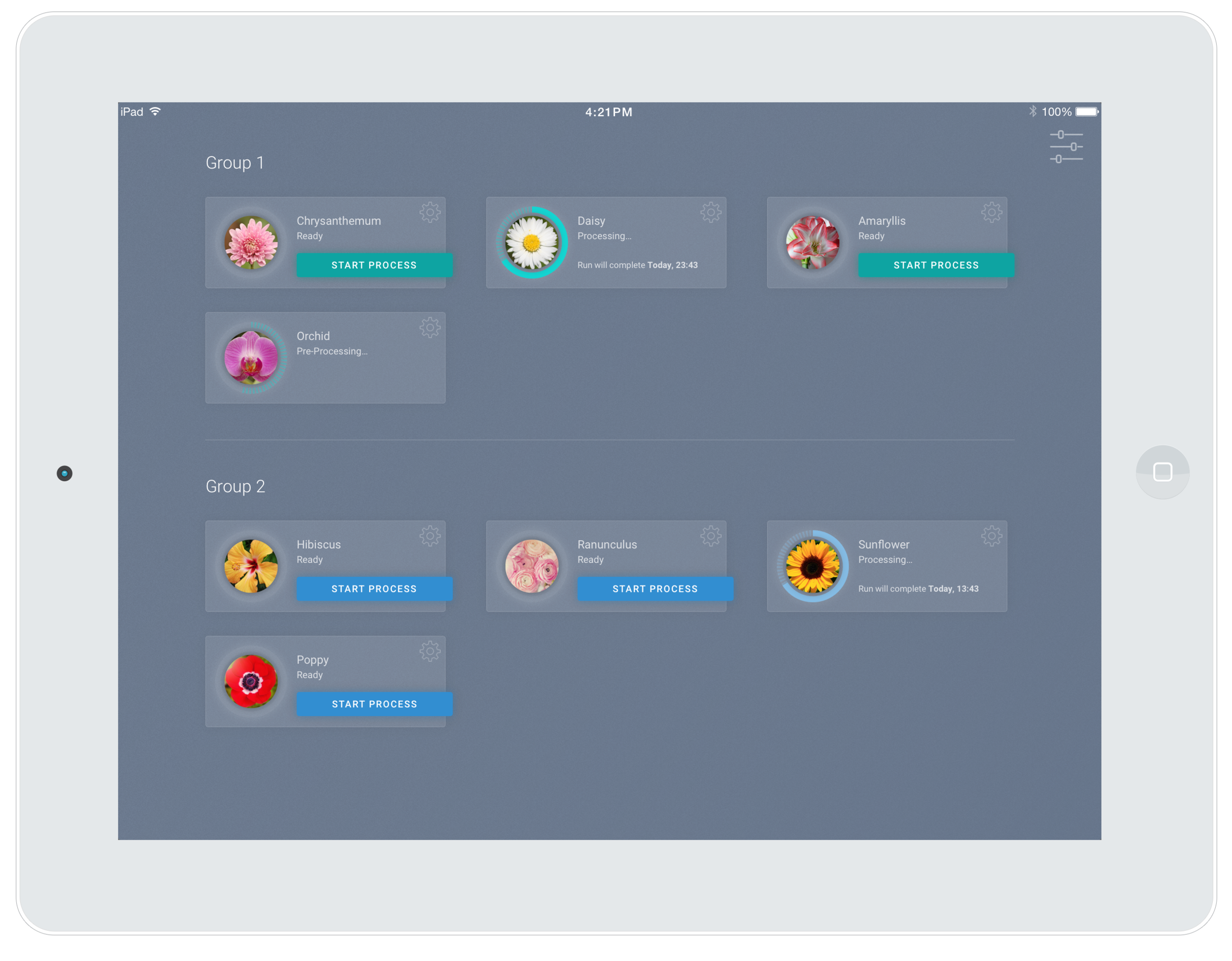
Tablet screen displaying a flower processing app with various flower images and start process buttons.
Screen showing a fitness app with a progress graph at 34%, titled 'InstrumentPink,' with options to cancel or run the activity, and a cloud icon in the bottom right corner.
Screen displaying a data processing application for a hibiscus plant, showing a processing bar at 92%, with graphs and metrics related to density, passing threshold, and calculated slope.

Final Proposal

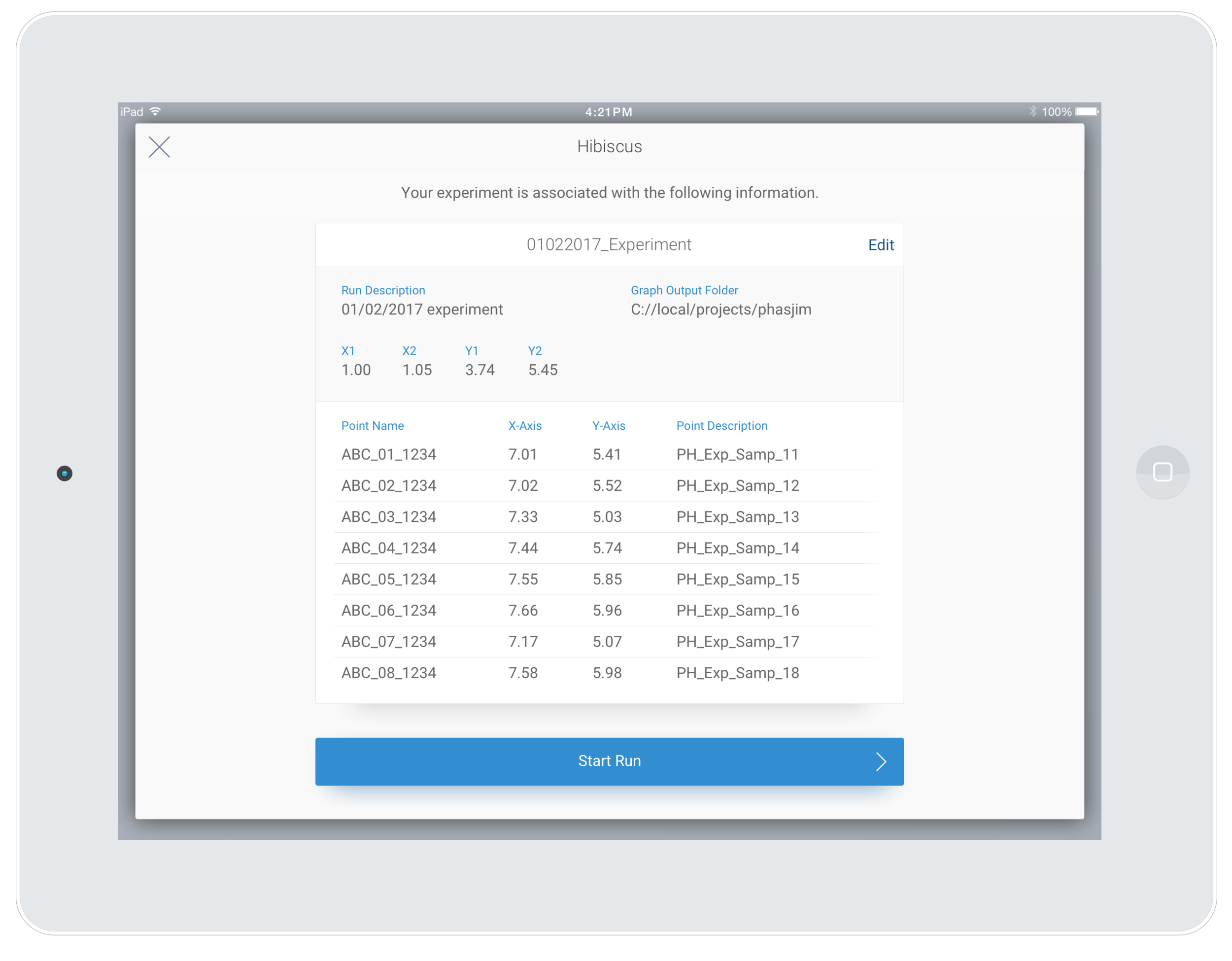
Screenshot of an iPad displaying an experiment report titled 'Hibiscus.' The report includes details such as run description, graph output folder, x and y values, point names, axes, and descriptions, with a blue 'Start Run' button at the bottom.
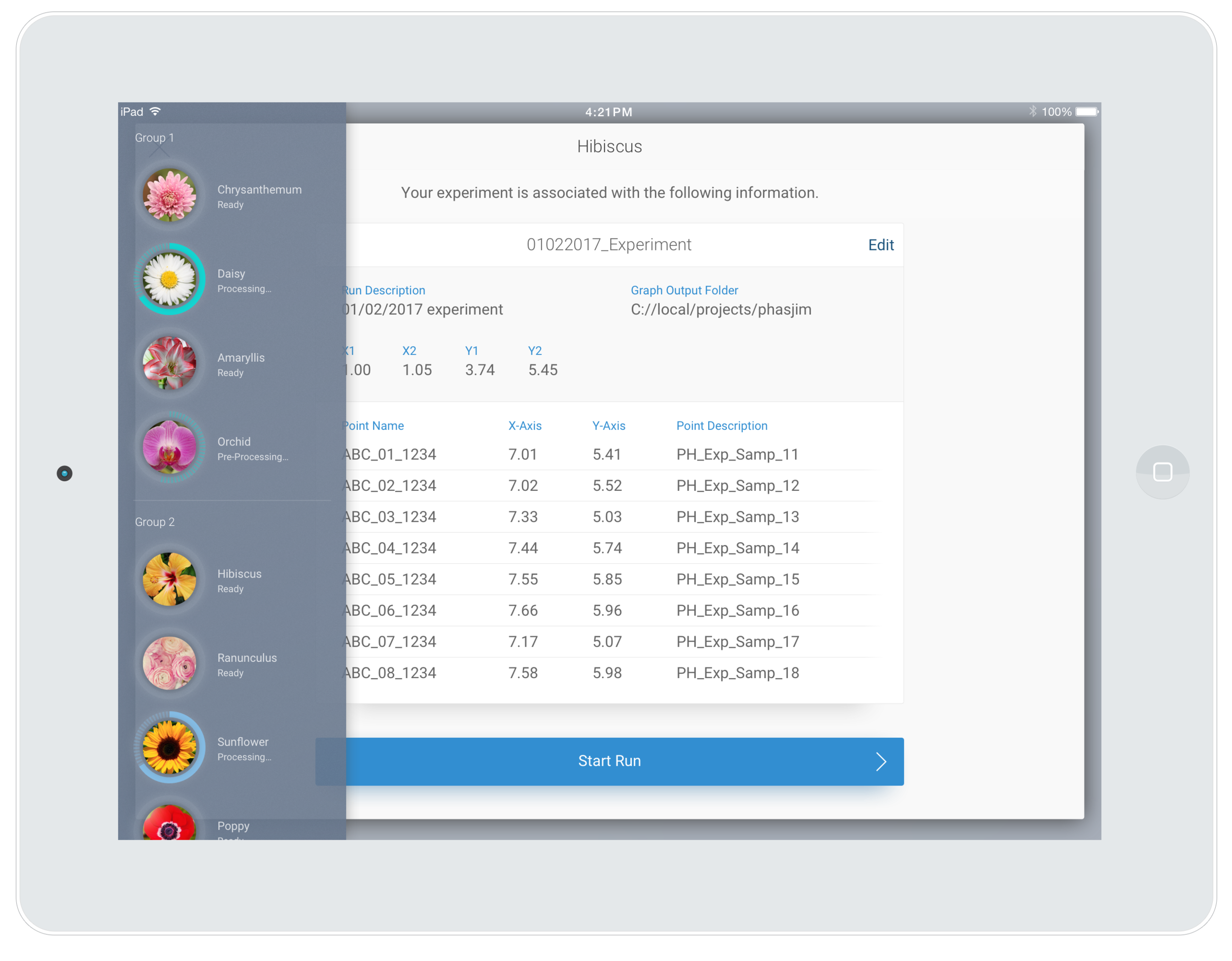
Screenshot of a tablet displaying an experiment management app with a sidebar of flower icons representing different plant types and a main section showing data for a Hibiscus experiment, including run description, graph output folder, and sensor data points.
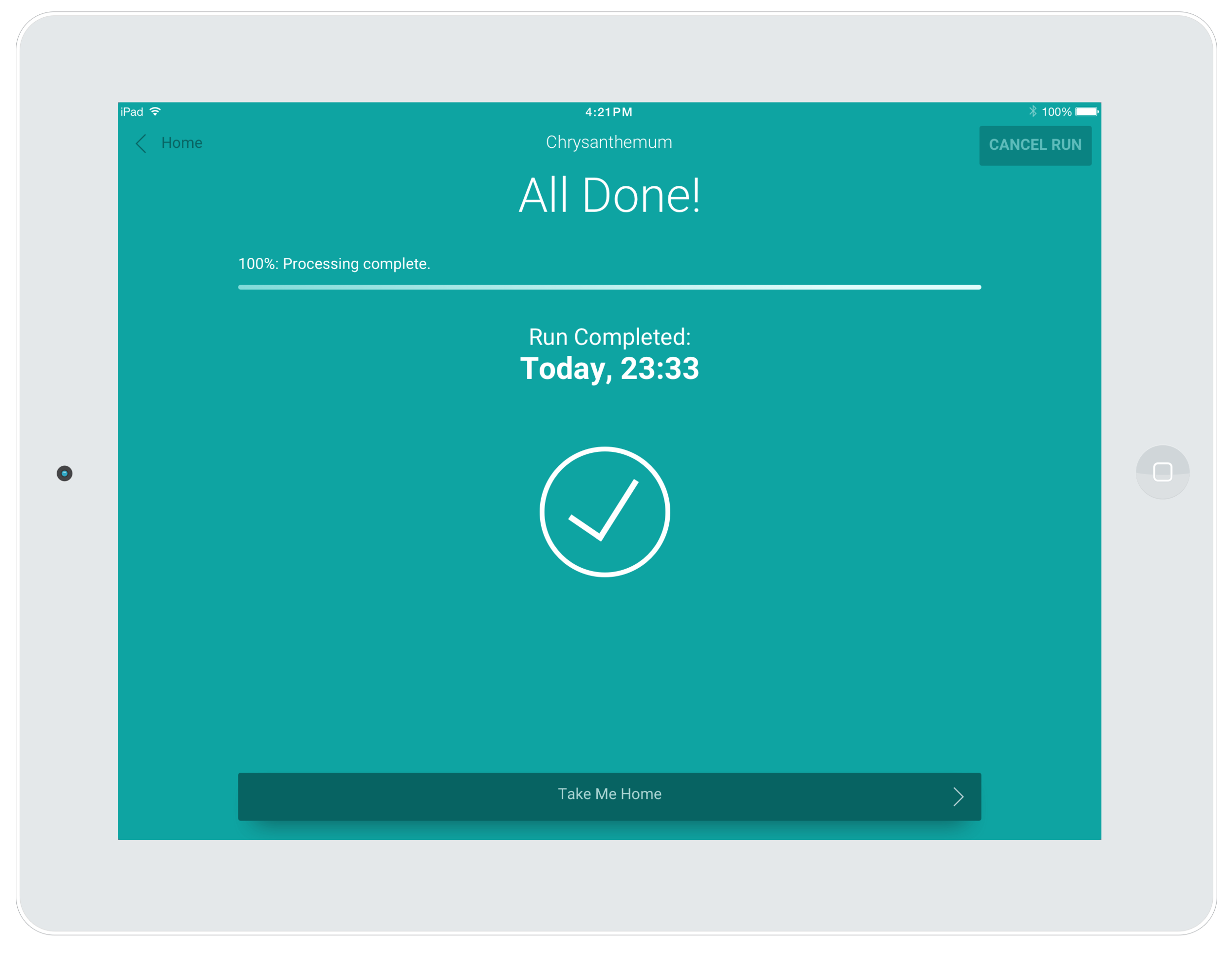
Screenshot of a tablet displaying a completed running app for cherry blossom plant. The screen shows 'All Done!', with a green checkmark icon, and details of the run including the time 'Today, 23:33'. The top of the screen has a navigation back arrow, the title 'Chrysanthemum', and options for 'CANCEL RUN' and 'Take Me Home' at the bottom.
Two iPads displaying scientific data processing screens. The top tablet shows a flower processing app for a flower named 'Chrysanthemum,' with a progress bar at 70%. The bottom tablet shows a graphing app for a 'Hibiscus,' with a progress bar at 92%, displaying data on density, passing threshold, and slope.