NovaSeq Software for Illumina

December 2015 - February 2017

Product Website:
www.illumina.com/systems/sequencing-platforms/novaseq.html

Roles: UX Designer, User Researcher, Product Designer

Technologies Used: Axure, InVision, Sketch

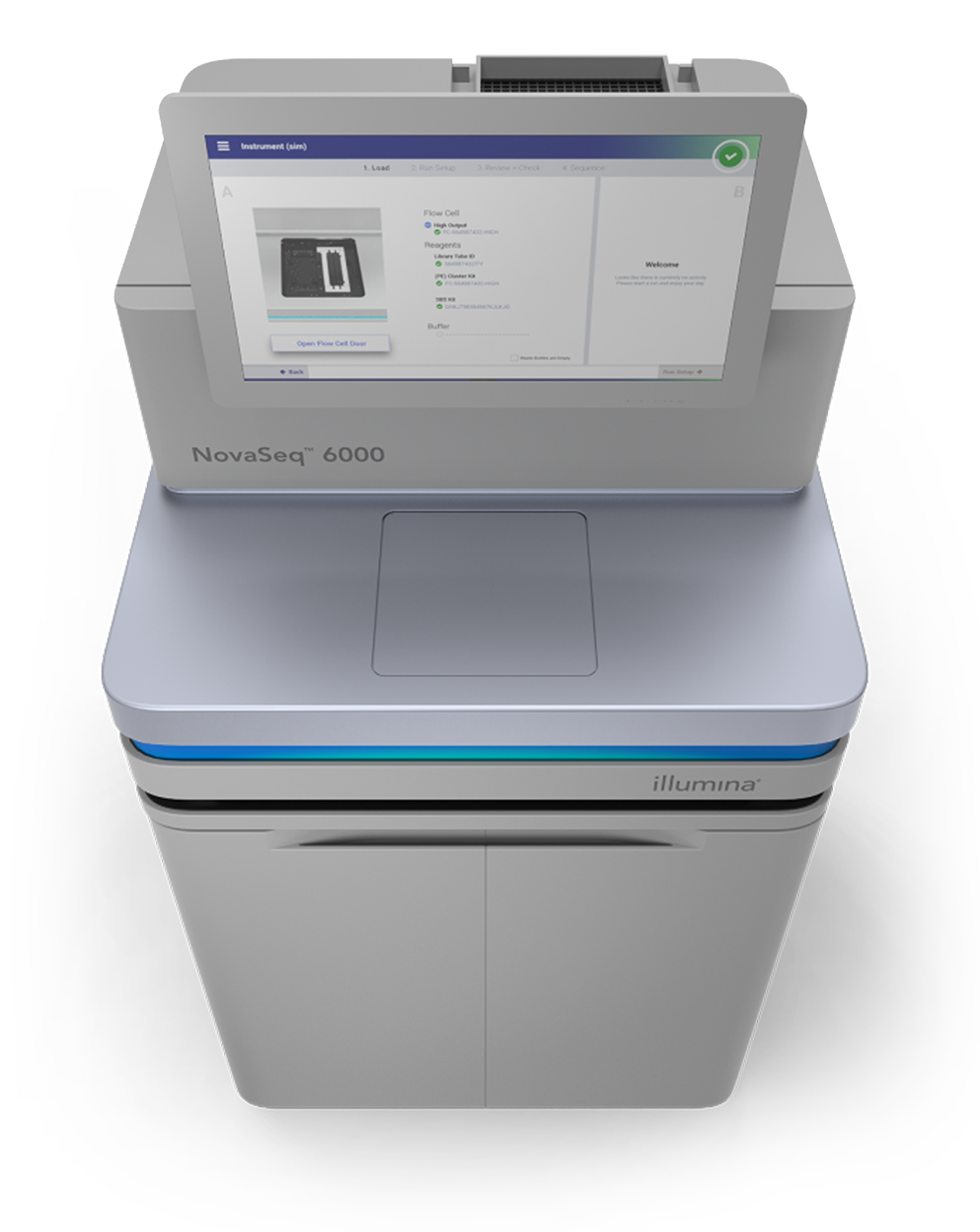
Illumina NovaSeq 6000 sequencing instrument with touchscreen display showing software interface for sample loading.

The NovaSeq was a high-throughput DNA sequencer and a pivotal project during my tenure at Illumina. Collaborating closely with a team of software engineers and biotechnologists, I assumed crucial roles as the UX designer, user researcher, and product designer.

My primary responsibilities were centered around the initial stages of the NovaSeq platform's development, encompassing the conceptualization and wireframing of the initial screens. These wireframes underwent rigorous testing through multiple rounds of usability assessments, with each iteration incorporating valuable user feedback to refine the design further.

After completing the research phase, I collaborated with another Product Designer to craft the user interface, ensuring alignment with Illumina’s brand language and a seamless transition from wireframes to the polished final design. My contributions to the NovaSeq platform ultimately led to my recognition as a listed inventor for a Design Patent (USD965626S1).

The Process

Low-Fidelity Wireframes

A scientific instrument with a digital screen and a monitor showing instrument settings, accompanied by a yellow sticky note listing requirements for configuration.
A computer screen displaying a warning message overlayed on a scientific instrument interface. The warning states, "Remove any items that may be resting on the instrument. Flow cell door will open," with options to cancel or proceed.
A computer screen showing a laboratory equipment interface with status checks for consumables, including a flow cell, reagents, and buffer, indicating all are good to go.
A user interface screenshot of a laboratory equipment setup screen showing two side-by-side panels labeled 'Side A', with one being active. The equipment appears to be a flow cytometer or similar device with various components. The screen includes text details about flow cell high-output, sample ID, reagents, and buffer status. Navigation buttons labeled 'Back', 'Exit', and 'Run Setup' are at the bottom.

Low-Fidelity Wireframe vs. Final Screenshot

A laboratory equipment interface screen shows a cabinet with internal components and two panels labeled 'Side A' with checkmarks, indicating successful setup of flow cells, reagents, and buffers.
Screenshot of a laboratory instrument interface named NovaSeq, showing a workflow step for loading and running a flow cell, with options for reagents and containers, and a photo of the instrument's interior door.
Screenshots of a software interface for biochemical sequence analysis, showing menu options for sequence and wash actions, and a control panel with toggle options labeled 'Side A' and 'Side B'.